
Log In and Connect Stripe
Sign in to Beag.io and connect your Stripe account to start accepting payments.
Log In to Beag.io
Go to the Beag.io website and log in with your email.
Go to Settings
After logging in, click on the Settings page at the top.
Connect Your Stripe
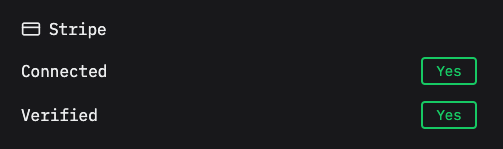
Click “Connect Stripe” and follow the steps to link your Stripe account.
Verify Your Stripe
Make sure your Stripe account is ready by verifying it. Beag.io will check it for you — this keeps your money safe!
Tip: Stripe is like a magic cash box. Connecting it lets people pay you for your MVP!